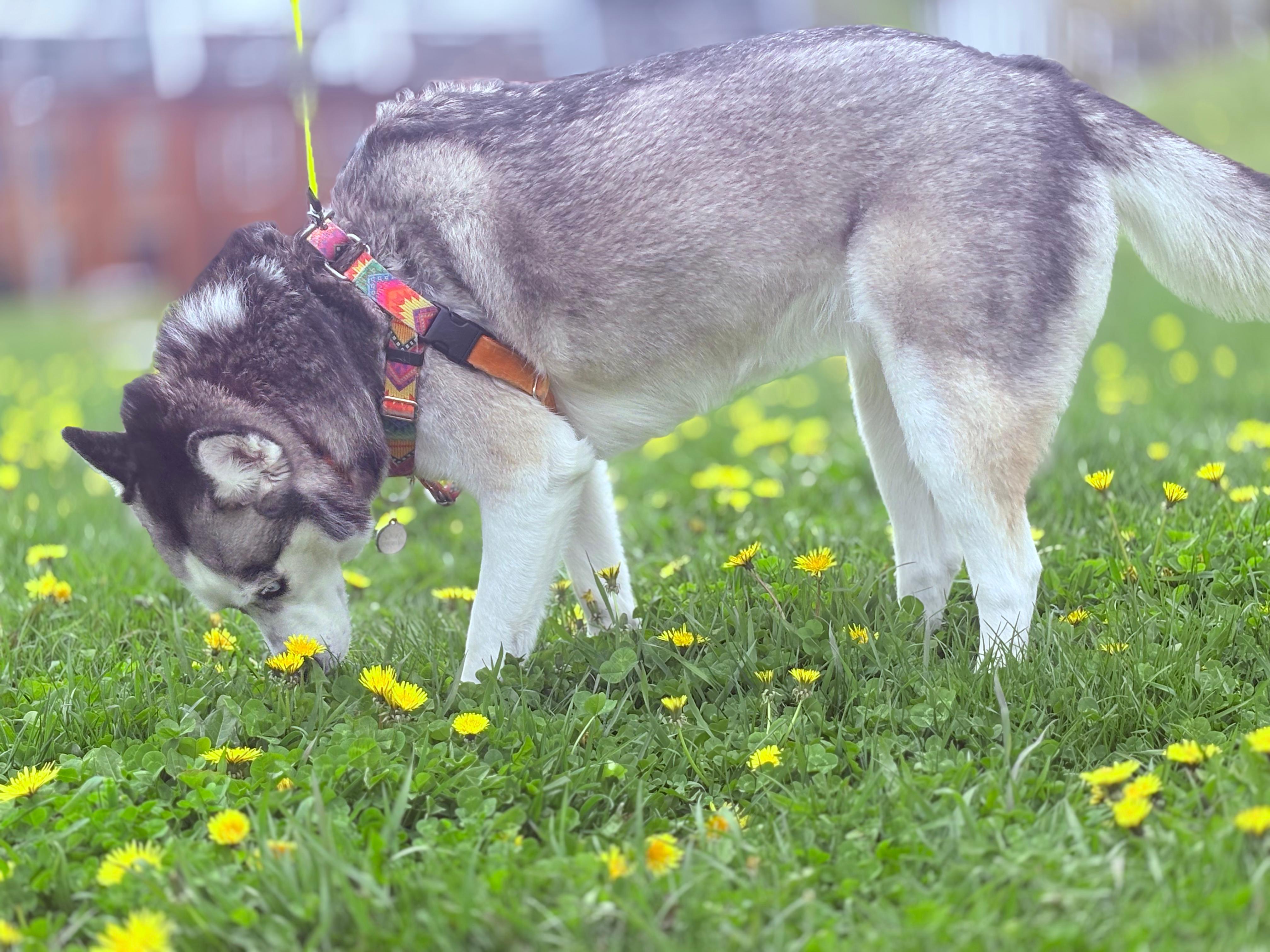
Saturday — Alaska stops to smell the flowers
You snap a few pictures on a walk. By evening they're on your home storage. Overnight they finish copying to your parent's and your sibling's. Nobody needs a zip file of the dog.
 Substratum.cloud
Private family storage
Substratum.cloud helps families keep photos, videos, and important files in several places at once — and see that they're safe.
If it dies, gets stolen, or is wiped, everything on it can be gone.
Easy to forget to plug in, easy to lose, easy to put in the wrong drawer.
Convenient, but your whole history lives behind one account and one company's rules.
Folders on phones, email attachments, and old USB sticks get messy fast.
Sign in with the account you already have
You pick your safe places
You can add an extra safety net
You add and share files normally
You see status, not guesswork
When houses are far apart or the internet between homes is fussy, optional safety copies in secure storage run by Substratum.cloud help you sleep easier. Your home copies remain yours — the extra copies are there so you're not betting everything on one address.
You snap a few pictures on a walk. By evening they're on your home storage. Overnight they finish copying to your parent's and your sibling's. Nobody needs a zip file of the dog.
The app shows that place as needs attention, not everything is lost. You still open files from your house and your sibling's. You fix or replace the box when someone has time.
You share a reunion album. Each sibling sees only that album in their own space. Nobody gets access to your tax folder unless you share it.
| Usual cloud photo app | Substratum.cloud | |
|---|---|---|
| Where files live | Mostly on their servers | In your homes you control, plus optional extra copies |
| If the company changes rules | You adapt | Your copies still sit in places you chose |
| If one home has a fire or dead drive | Often we lost the local copy | Other homes still have it |
| Who can see everything | Whoever has the one account | Only people and places you invited |
| Sign-in | Another email and password | Your existing Bluesky, Tangled, or AT Protocol handle |
Run a home helper on storage you control — up to three places, one-time setup per home.
Our own login for trusted sign-in and backups is coming soon.
Optional secure storage run by Substratum.cloud in more than one part of the world. Home copies remain yours.
Pricing will follow when Substratum.cloud operates its own PDS to cover storage costs.
Sets up the home program, picks folders, sets how much disk each place may use, checks status.
Signs in, adds photos, browses shared albums.
Sees only what was shared with them.
Those keep your stuff mainly on their machines. Substratum.cloud is built so your copies live in homes you trust, with optional extra copies for safety — not one basket.
No. Only folders or albums you share.
Homes can still sync over the internet; the optional Substratum.cloud safety copies help when home-to-home copying is slow or interrupted.
One person sets up each home once. Everyone else uses familiar ideas: folders, albums, share with family.
Read the getting started guide for household helpers, or dive into the technical specification.